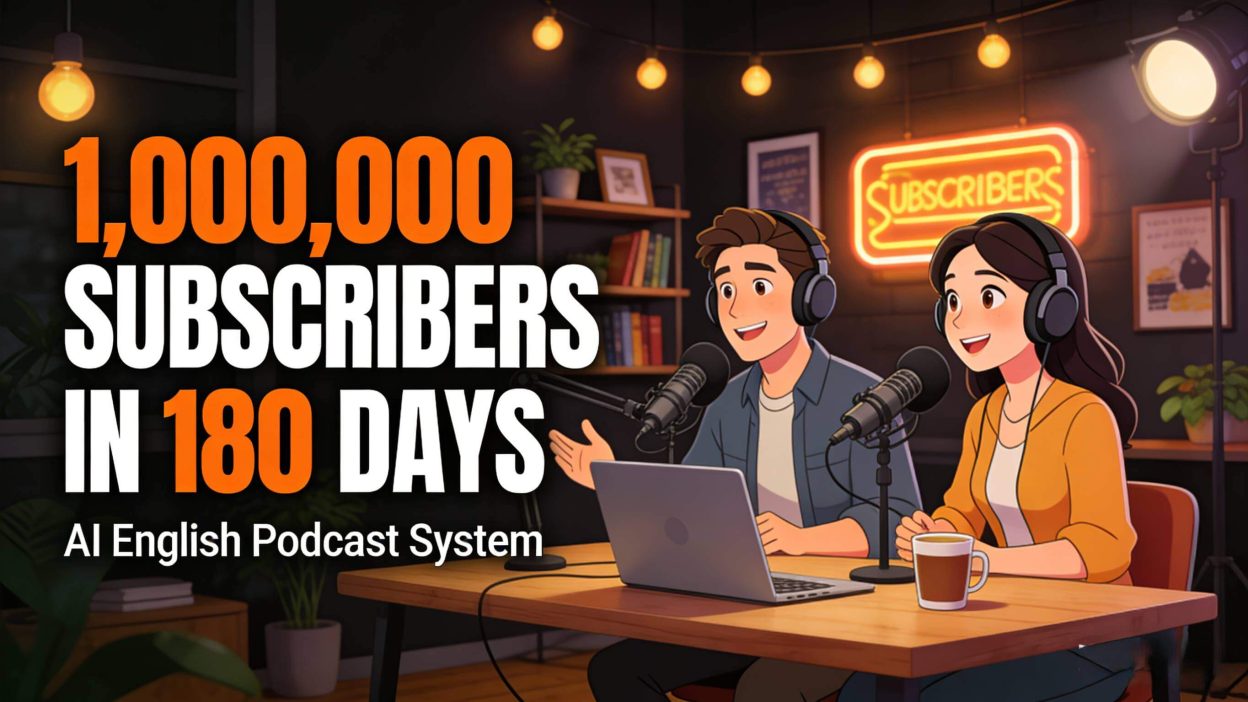
Over 1,000,000 Subscribers in 180 Days! AI Static Images + Audio — Simple to Make. Can It Be Replicated? (Detailed Prompts and Guide Included)
Today I’m introducing a YouTube niche that many people overlook: language learning.
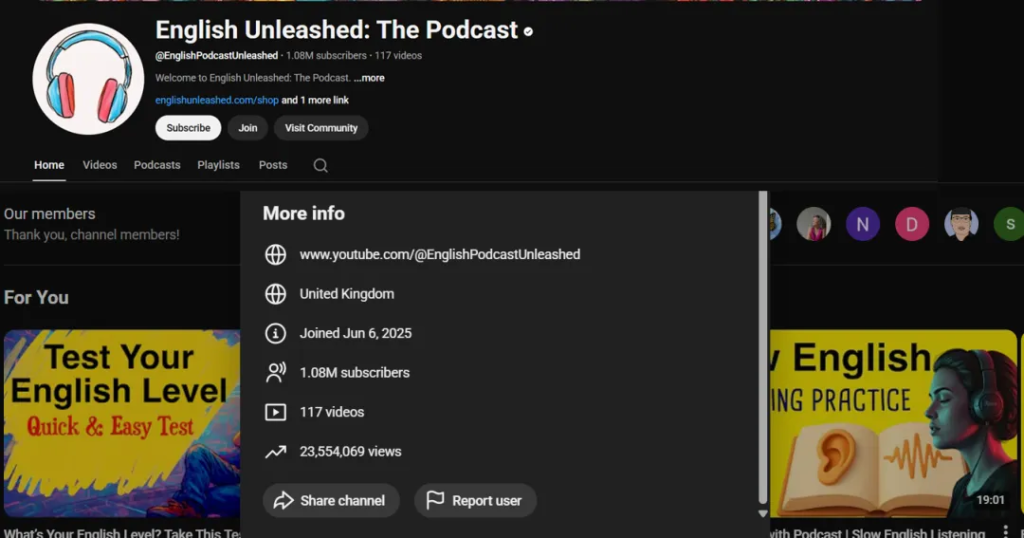
This channel, @EnglishPodcastUnleashed, gained over 1,000,000 subscribers in 180 days, with total views exceeding 23,000,000.
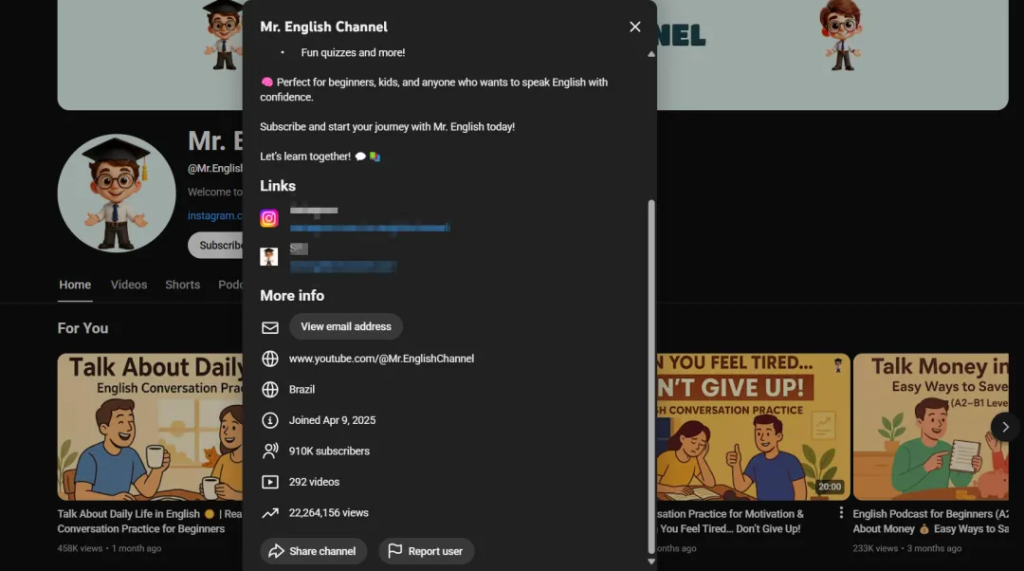
There’s another channel, @Mr.EnglishChannel, which gained over 910,000 subscribers within just a few months, with total views over 22,000,000.
It’s worth checking their monetization performance — it looks quite good.
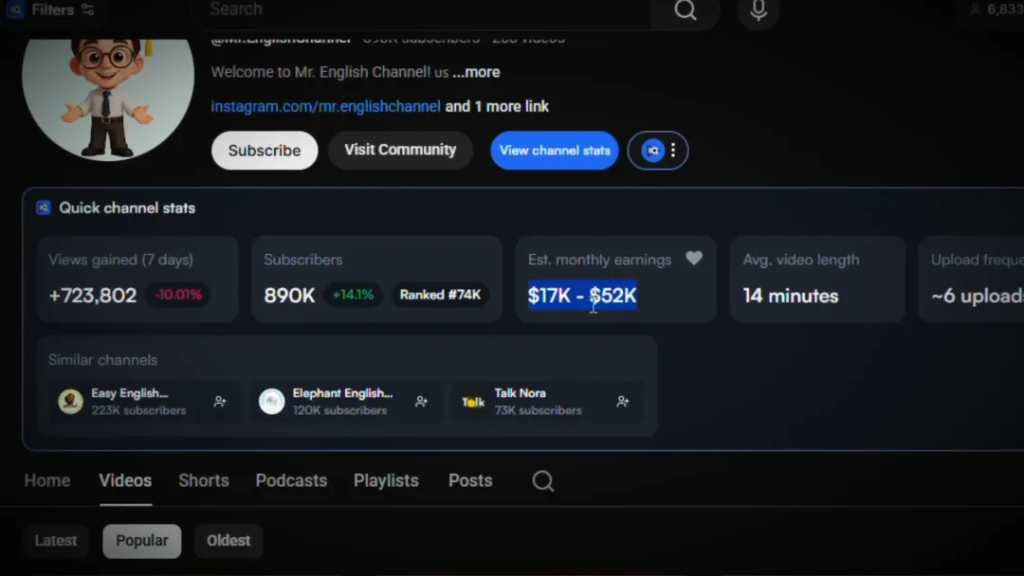
The key point is that these videos are not high-cost productions that require filming.
They are made from:
- One static image
- One talking AI avatar, or even fully static
- Plus simple background audio and subtitles
That’s how simple they are.
Some channels use one character, some use two, but the model is always the same.
Static images + subtitles + script + background scene — all generated by AI — yet they can easily reach millions of views.
Just like the example below:
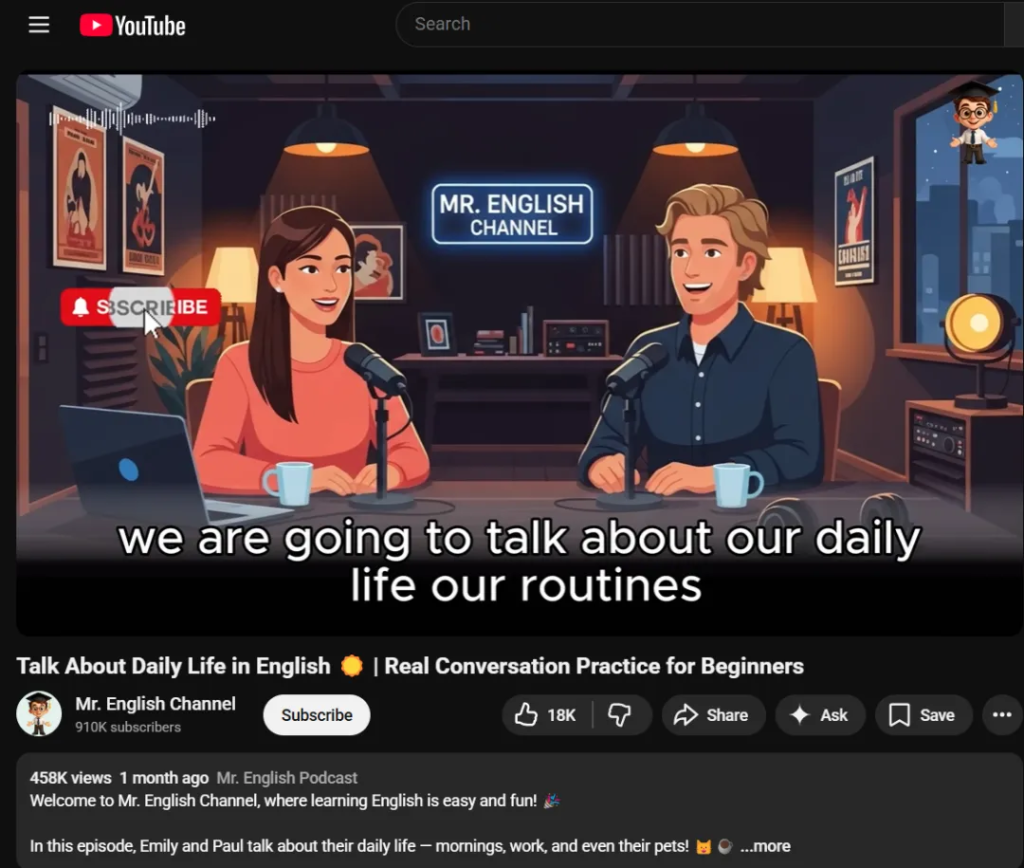
I spent several days researching how they are able to produce such high-quality videos almost without spending any money.
YouTube’s “Golden Rule”
On YouTube, visual presentation is not the most important factor.
Creativity is.
Creativity accounts for 80% of success.
If your creative concept fails, no amount of editing can save it.
The key reason for this channel’s success is that it is not simply an “English teaching channel”,
but rather a habit-training English listening tool.
It provides extremely practical listening materials, combined with psychology and problem-solving positioning, which greatly improves user retention and subscription rates.
Their titles often contain words like:
- “Motivation”
- “Change your life”
These phrases combine language learning with life improvement, making people willing to keep watching for long periods.
Long-Form Videos Are Extremely Important
Their videos are usually around 25 minutes long, and some are even longer.
In this niche, long-form videos dominate, and CPM is also higher.
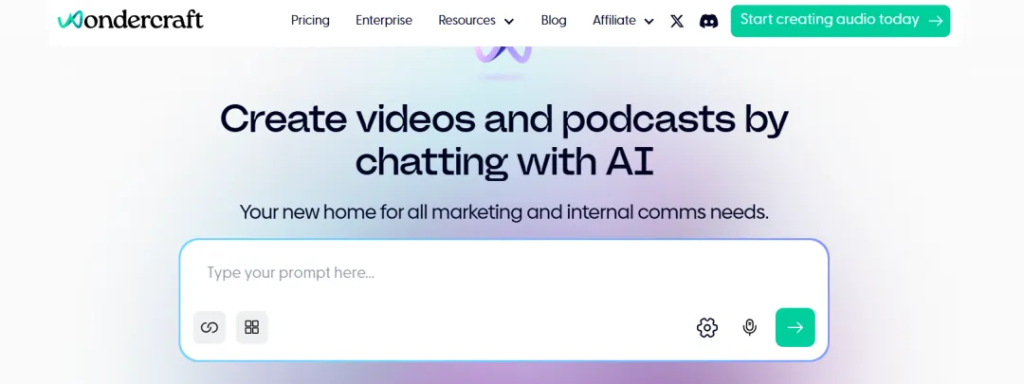
Next comes the script and voice generation.
Normally this would require two different tools, and would take a lot of time copying and pasting.
But there is a tool called Wondercraft (wondercraft.ai) that can do this in one step.
It can:
- Generate the full conversation script
- Generate the voices
- And can be used for free to get started
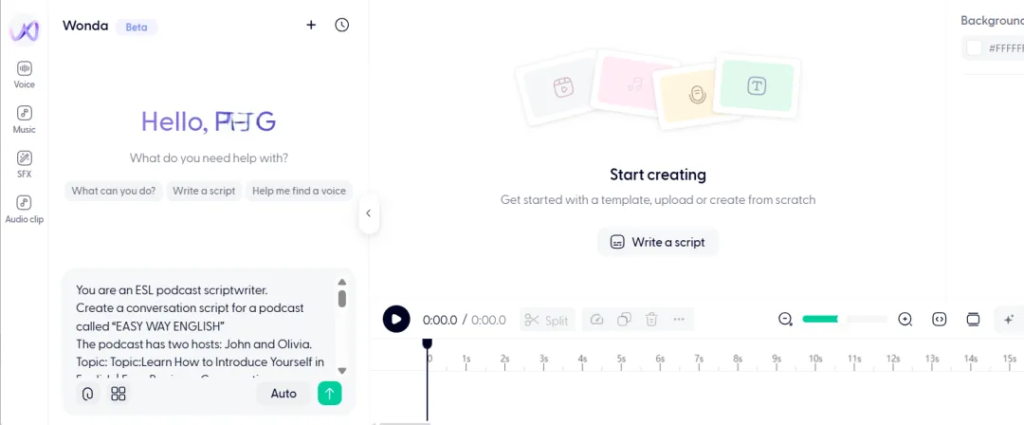
After logging in, enter the workspace.
Prepare the following prompt.
This is provided here as a ready-made template — you only need to enter your channel name, topic, and desired duration.
It looks like this:
You are an ESL podcast scriptwriter.
Create a conversation script for a podcast called "Channel Name".
The podcast has two hosts: John and Olivia.
Topic: [PASTE YOUR TOPIC HERE]
Target duration: [PASTE DURATION HERE – e.g., 2 minutes / 3 minutes / 5 minutes]

Writing rules:
- English level: A2 (beginner-elementary)
- Use short, clear sentences
- Speak slowly and naturally
- Use simple, everyday vocabulary
- Avoid slang and complex grammar
- Keep the conversation friendly and realistic
- Match the length to the target duration

Format:
- Use dialogue only
- Label each line with the speaker’s name
- End the conversation naturally
It will automatically generate the full dialogue and assign different voices to the host and guest.
The free version cannot generate the entire episode in one go.
You need to click generate section by section.
After generating, click the play button, then go to settings to download.
Once the audio is generated and downloaded, you can preview the effect.
For the video visuals, you do not need stock footage.
You only need to generate static AI images.
Follow the template prompt below.
Choose any text-to-image AI model.
Paste the prompt and click generate.
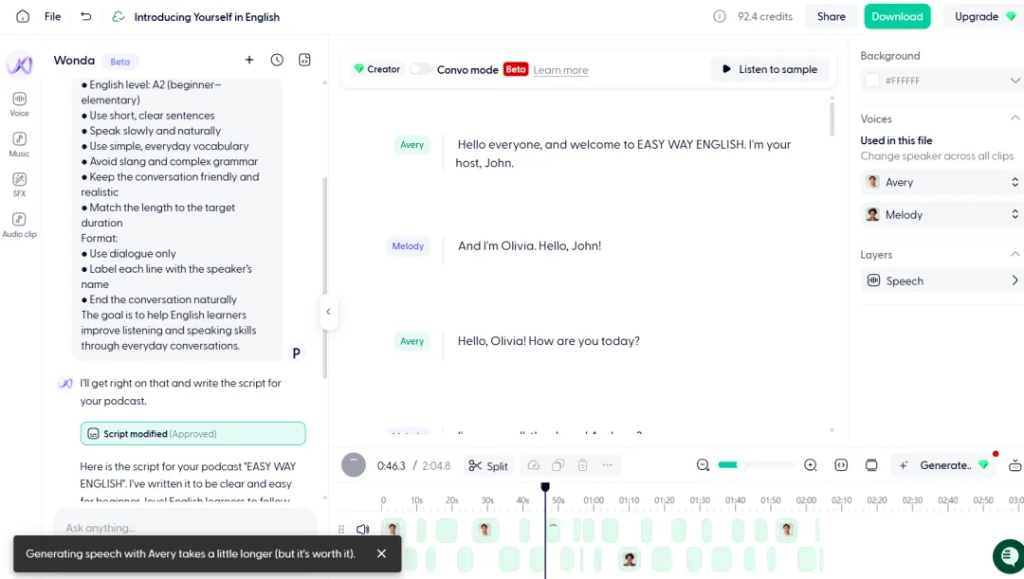
Create a cozy podcast studio scene in a flat, modern cartoon illustration style.

Scene:
Two friendly podcast hosts sitting across from each other at a wooden table.
A woman on the left and a man on the right, both smiling and talking naturally.
Each person has a professional microphone on a stand in front of them.
A laptop and coffee mug on the table.
Warm studio lighting with hanging lamps.

Background:
Dark, cozy studio room with soft shadows.
Bookshelf, framed posters, plants, and audio equipment behind them.
A glowing neon sign on the back wall that reads:
"YOUR CHANNEL NAME HERE"

Style:
Clean flat vector illustration
Smooth lines, soft gradients
Warm color palette (dark blue, brown, orange, soft pink)
No realism, no photo texture, no 3D
YouTube educational podcast aesthetic

Mood:
Friendly, calm, welcoming
Feels like an English learning podcast
Professional but relaxed

Composition:
Centered characters
Balanced lighting
Clear focus on the hosts
High quality, YouTube thumbnail ready
The example below was generated using Nano Banana.
Because YouTube has strict duplicate-content detection, it is recommended to slightly adjust lighting and colors so the style becomes unique.
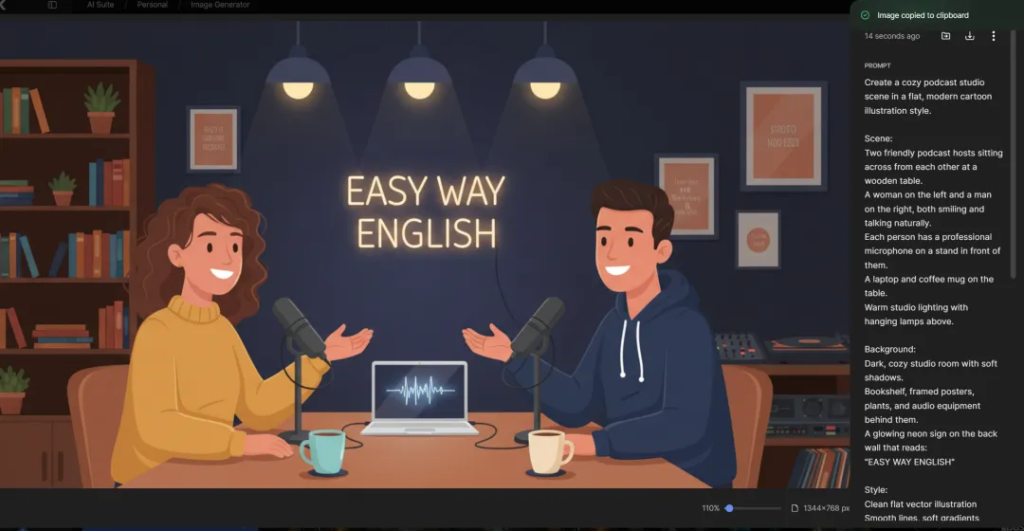
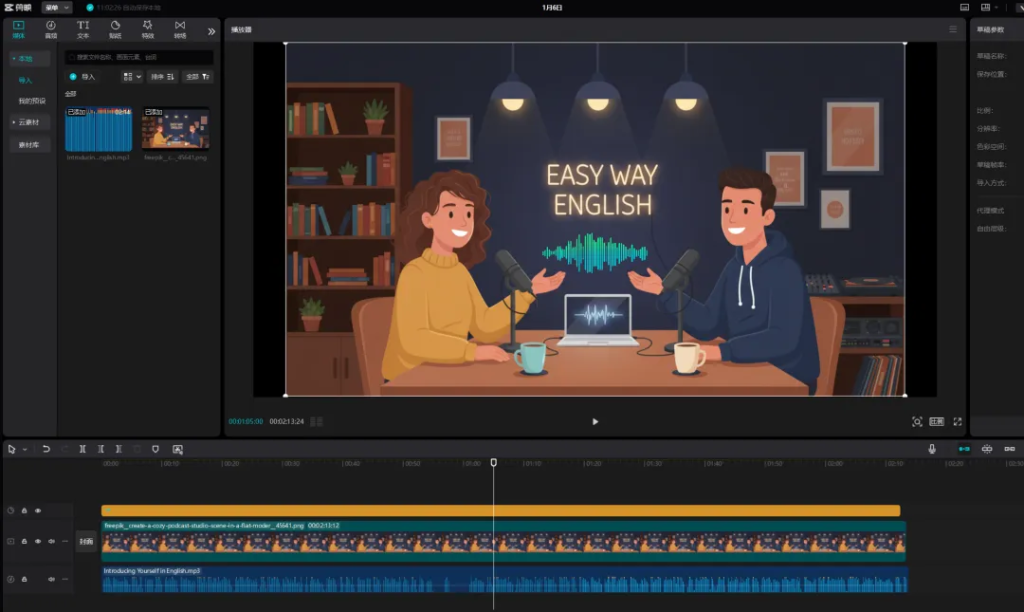
The final step is editing.
You can use CapCut for this.
Import the audio and the AI image into the editor.
Stretch the still image to match the full length of the audio.
To avoid a static-looking video, you can add sound-wave animations that move with the audio.
The recommended method is:
Open the website below.
Click Create New Video.
Choose a pure color background first, then remove the background later.
Select Green Screen Background, click Media, upload your green screen background, then remove the green screen.
Then upload a suitable style background image, upload your subtitles, and you will get a result like the example.
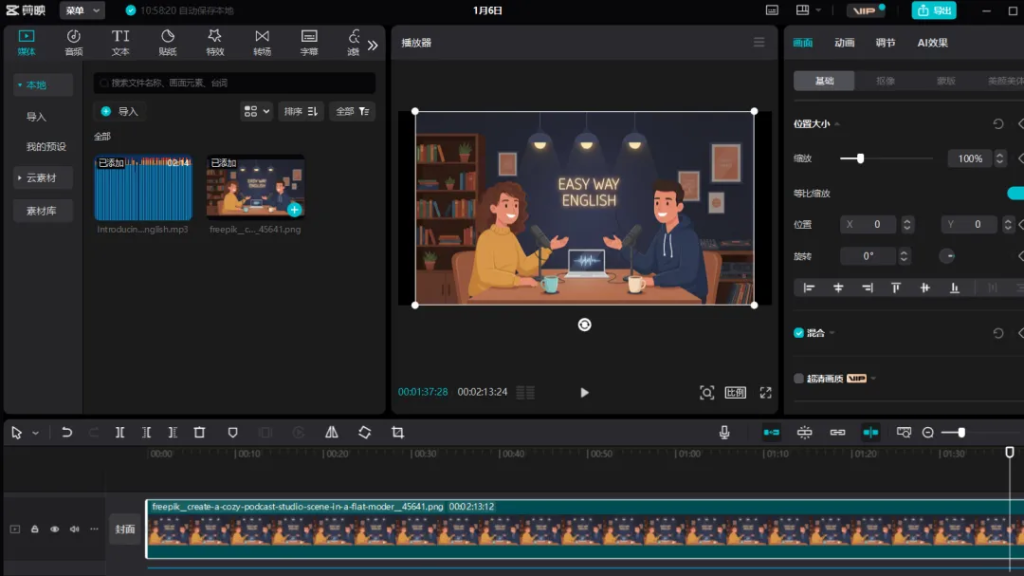
After exporting, place the video into another editor, put your image on top, and remove the background.
Before removing the background, crop out the watermark.
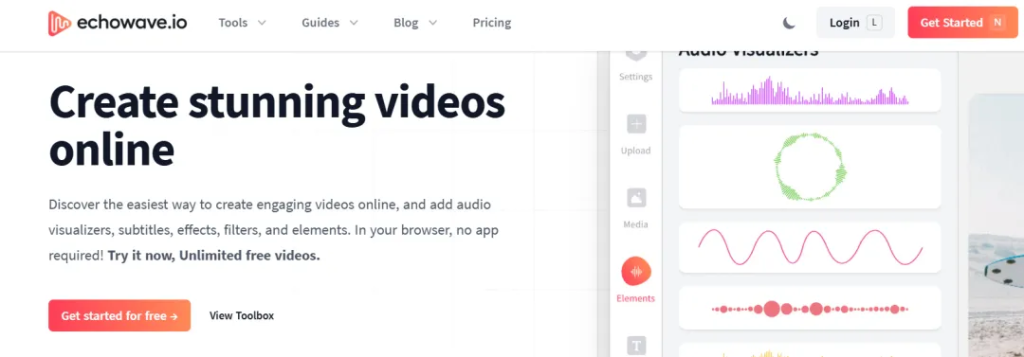
Then remove the background, adjust position, add subtitles, and fine-tune so the content is easy to watch.
Finally, add background music from YouTube Audio Library, export the final video, and you’re done.
Next is the thumbnail creation.
We use AI again to generate the thumbnail.
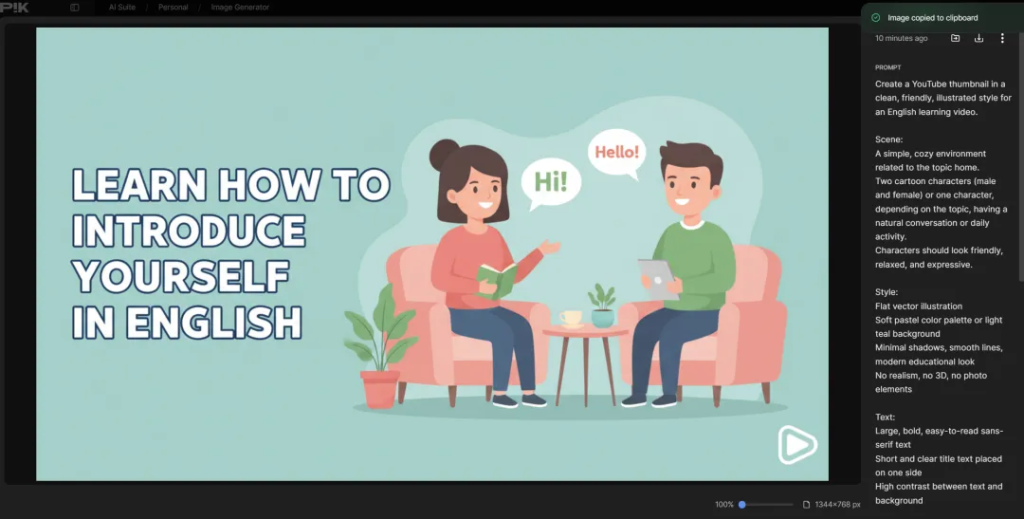
Use the following prompt to generate your thumbnail:
Create a clean YouTube thumbnail in flat cartoon style.

Main Subject:
A friendly cartoon male English teacher character.

Expression:
Slight smile, calm, confident, welcoming.

Background:
Soft gradient background in light blue and orange tones.

Text on Thumbnail:
[SHORT 3–5 WORD PHRASE]

Style:
Flat vector illustration
High contrast
Bold clean typography
No realism, no 3D
YouTube education niche aesthetic

Composition:
Character on the right side
Text on the left
Big readable text
High clarity
Mobile friendly
Adjust the character’s clothing color and the background colors slightly for each thumbnail to avoid duplication.
Finally, let’s summarize the full production flow:
- Choose a topic
- Generate the script and voice using Wondercraft
- Generate AI images
- Edit the video
- Generate thumbnails
- Upload to YouTube
Repeat this process continuously.
Because the cost is extremely low, you can run multiple channels at the same time.
This model is especially suitable for beginners.
If you persist, you can gradually build your own automated YouTube content system.