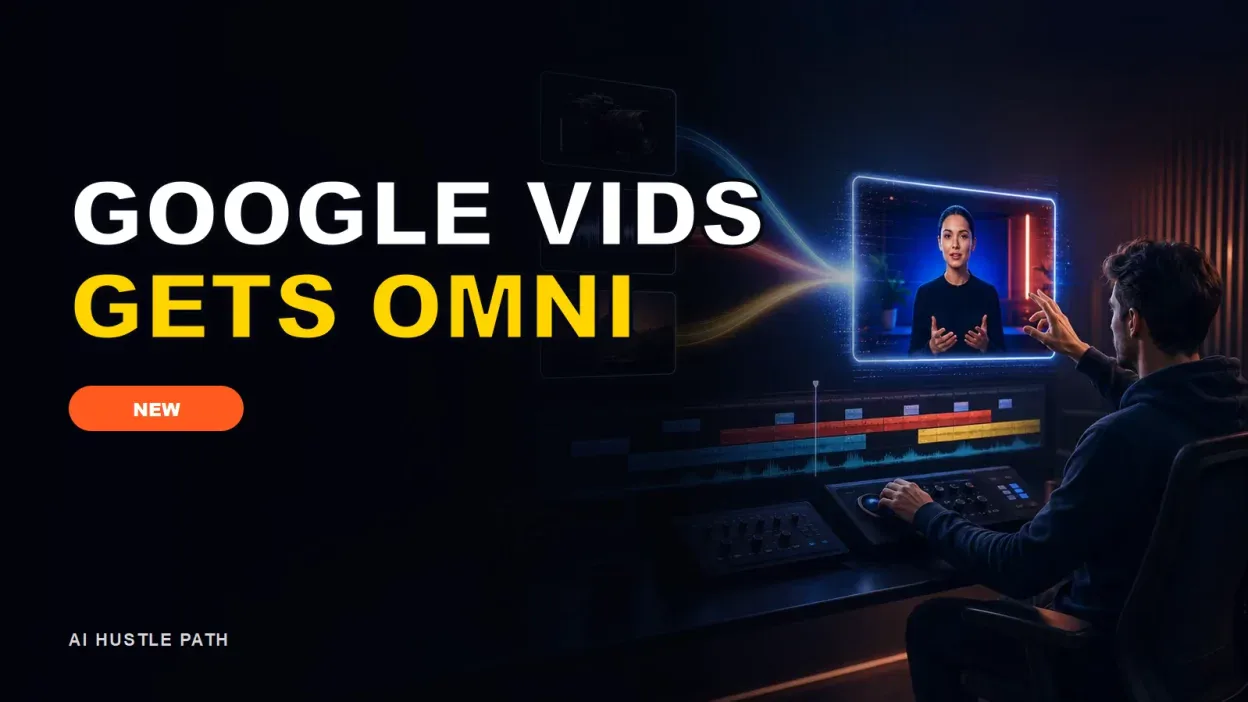
Google Vids now uses Gemini Omni to generate and edit video clips from everyday instructions, while Personal Avatars can create an on-camera stand-in from a selfie and a voice recording. For freelancers, the practical opportunity is a faster way to produce training clips, product explainers, and internal updates. It is not permission to sell synthetic footage as documentary video or to promise that a prompt will replace editing.
Google announced the Vids rollout on July 16, 2026, three days before this article was researched. Access depends on the account and plan, and rollout can take time. This article is research-only. I did not have an eligible Vids account with Gemini Omni and Personal Avatars, so I did not run a generation, timing, or quality benchmark.
What changed in Google Vids
Google’s July 16 product announcement describes two additions. Gemini Omni can generate clips and edit uploaded or generated footage through natural-language instructions. Google shows examples such as changing backgrounds, fixing lighting, and adding effects. Personal Avatars let an eligible user upload a selfie and a short voice recording, then generate a speaking representation of that person.
Google also says AI-generated clips include a digital watermark. Earlier coverage from The Associated Press reported that Omni accepts text, image, video, and audio inputs and that generated video uses Google’s SynthID watermark. TechCrunch’s launch coverage noted consumer and creator uses while also pointing to broader advertising and filmmaking implications.
The July Vids integration is the timely development. It brings those capabilities into a collaborative editor that businesses already use for workplace video. That is more relevant to a freelancer than another isolated demo because the client can review scenes, comment, and revise inside a familiar Workspace file.
Who should consider it
The best early users are freelancers who already sell clear, information-heavy video deliverables: onboarding clips, software walkthroughs, sales follow-ups, course updates, and internal announcements. These jobs benefit from reusable scripts and repeatable layouts. They usually need accuracy and brand consistency more than cinematic spectacle.
A social video editor can also use Vids for rough concepts or short supporting clips, but the tool should not be sold as a replacement for client footage, licensed stock, accurate product demonstrations, or skilled editing. The more a video depends on precise motion, real events, or a person’s likeness, the more review it needs.
If your work is mostly static campaign graphics, compare the workflow with our research guide to Adobe Firefly AI Assistant for freelancers. Vids is built around scene-based video and collaboration; Firefly and Creative Cloud may fit layered design work better.
Four services freelancers can test
1. Client onboarding video
Turn a client’s approved welcome document into a two- to three-minute onboarding video. The deliverable could include a script, a simple scene plan, screenshots supplied by the client, narration, captions, and one revision round.
Use Omni only for visual transitions or supporting clips that do not misrepresent the product. Keep steps that affect billing, cancellation, security, or account access tied to current screenshots and approved copy. A confident avatar cannot rescue an outdated process.
2. Product-update explainer
Software companies need short updates when a feature changes. A freelancer can collect release notes, record the real interface, and use Vids to assemble a concise explanation. A Personal Avatar may handle the introduction and conclusion while the middle shows verified screen recordings.
This is especially useful as a monthly retainer because the format can stay stable. Charge for research, script accuracy, capture, editing, accessibility, and version control rather than the number of AI generations.
3. Training and policy refresher
Small teams often have policies that employees do not read. A short narrated refresher can be easier to review. The client must approve the final script, and the video should link back to the authoritative policy. Do not let generated dialogue invent legal, safety, or human-resources requirements.
For sensitive training, keep a human presenter or clearly disclose that the speaker is a synthetic avatar. Check whether the client’s jurisdiction, workplace rules, or platform requires additional notice.
4. Personalized sales follow-up
A consultant could create a short, reusable explanation of a proposal and add a client-specific opening. The safe version uses the freelancer’s own approved avatar and voice, not a copied customer or celebrity. Avoid making the avatar say a testimonial the real person never gave.
Test this with a small batch and track replies or booked calls. Do not claim that AI video raises conversion until your own client has enough data to compare.
A beginner workflow
- Choose one deliverable. Start with an onboarding or update video under three minutes.
- Confirm account eligibility. Open Google’s current Vids availability table and verify the exact AI features and limits for the account.
- Write an approved script. Mark every factual claim, product step, name, date, and price that the client must verify.
- Collect owned assets. Get permission for logos, screenshots, music, voice, face, customer quotes, and product footage.
- Build a scene list. Give each scene one job. Use real interface capture when accuracy matters.
- Generate sparingly. Create only the clips or avatar segments that improve the explanation.
- Edit and caption. Check pacing, pronunciation, contrast, safe areas, audio level, and caption accuracy.
- Run a disclosure review. Make synthetic media clear where viewers could reasonably mistake it for a real recording.
- Get written approval. Keep the final script and client sign-off with the delivered file.
The same discipline applies to other AI tools used in client work: verify access, test with owned material, and keep a manual path when a feature is unavailable.
Current availability and limits
Google’s Vids feature availability page is the most useful current reference because the matrix differs across Workspace, education, nonprofit, personal, and Google AI accounts. Access and quotas are not one simple number.
When accessed on July 19, 2026, the page showed that a personal Google account could have 10 AI avatar uses and 10 AI video clips per month, with a pool of 50 credits for certain actions. It also listed much higher limits for eligible Google AI and Workspace add-ons. Google warns that limits and exact features can change, and some limits apply across Workspace products.
Google’s Workspace pricing page displayed Business Starter at $7 per user per month before a temporary promotion and included Google Vids, but the plan comparison also showed limited Gemini functionality at the Starter level. That means “Vids included” is not the same as “every new Vids AI feature included.” Verify the feature matrix before quoting a job.
Do not build a client price by dividing a subscription by the maximum generation count. Your real cost includes scripting, review, failed generations, editing, client communication, storage, tax, and payment fees. The quota is a ceiling, not productive capacity.
How to run a fair test
Before selling the service, create a 45- to 60-second video with your own material. Use a fixed script, one real screenshot, one generated supporting clip, and one avatar segment. Record the plan, date, prompt, number of generations, credits used, time to first usable cut, corrections, export settings, and any watermark or content-credential behavior.
Review the output on a phone and a laptop. Check lip sync, voice pronunciation, face consistency, hands, product accuracy, captions, scene transitions, and whether the visual supports the sentence being spoken. Ask another person to identify what is real, what is synthetic, and what the video is trying to explain.
I did not run this test for the article because eligible feature access was not available. No first-hand speed, quality, quota consumption, or conversion result is claimed.
Pricing a small video package
A beginner might offer a paid pilot at $150 to $400 for a short onboarding or update video using client-approved source material. That is an illustrative planning range, not a platform average. A more involved package with screen capture, custom graphics, multiple reviewers, or several output sizes can cost more.
Write the scope around minutes, scenes, source assets, revision rounds, and delivery formats. State whether the client receives the editable Vids file, exported video, script, captions, and prompts. Add a fee for major script changes after approval because those changes often force scene and narration work to be repeated.
For creators, pair video production with a clear discovery system. Our guide to finding low-competition YouTube keywords covers topic selection, while the InVideo business case study provides context on the economics of an established AI video company. Neither article proves that one freelancer will earn a particular amount.
Risks to put in the contract
Likeness and voice: use a Personal Avatar only with the person’s informed permission. Limit who can access the source selfie, voice recording, and generated avatar.
Misrepresentation: do not create synthetic statements, events, testimonials, or demonstrations that viewers could mistake for fact.
Rights: confirm licenses for music, footage, fonts, logos, product images, and uploaded media. A tool subscription does not clear third-party rights.
Privacy: keep confidential customer data, internal dashboards, health information, and unreleased product details out of the tool unless the client has approved the account and data controls.
Availability: rollouts can be gradual and quotas can change. Keep a fallback editor and do not promise a feature before confirming access.
Quality: synthetic video can contain visual or audio mistakes. The freelancer remains responsible for review and should give the client a final approval step.
Should a freelancer adopt it now?
Adopt Google Vids with Gemini Omni when you already sell information-heavy video and can run a small owned-asset test. Wait if your offer depends on exact product motion, cinematic output, unverified avatars, or a quota you have not confirmed.
The sensible next move is not a new “AI video agency” website. It is one documented pilot, one narrow package, and one client who understands where AI appears in the workflow.
Disclosure: This article is not sponsored by Google and contains no affiliate links. Availability, quotas, prices, and policies were checked on July 19, 2026 and may change.