

In 2026, I stopped relying only on ChatGPT.
Not because AI tools got worse — but because a few newer tools quietly became more practical for daily work.
This is a simple, honest list of the 9 AI tools I personally use most.
No ads. No hype. Just what actually works.
Over time, I realized something:
Instead of jumping between many tools, it’s much more efficient to stick with a small, stable AI toolkit that truly fits your workflow.
You don’t need dozens of subscriptions.
You just need a few tools that really deliver.
1. Chat, Writing & Research — Gemini 3 Pro
This is my daily driver.
I use it for:
- Asking questions
- Studying
- Writing
- Deep research
At some point in 2025, I quietly stopped using ChatGPT as my main chat tool.
Not because ChatGPT is bad — but because Gemini 3 Pro feels faster, smoother, and more stable for long-form tasks.
With one Pro subscription ($19.9), you also get access to other connected Google tools, which makes the overall value surprisingly high.
For some local tasks, I still occasionally use:
- Yuanbao — for quickly searching public posts
- Doubao — for quick translation and casual use
But Gemini 3 Pro remains my main choice.
2. Image Generation — Nano Banana Pro
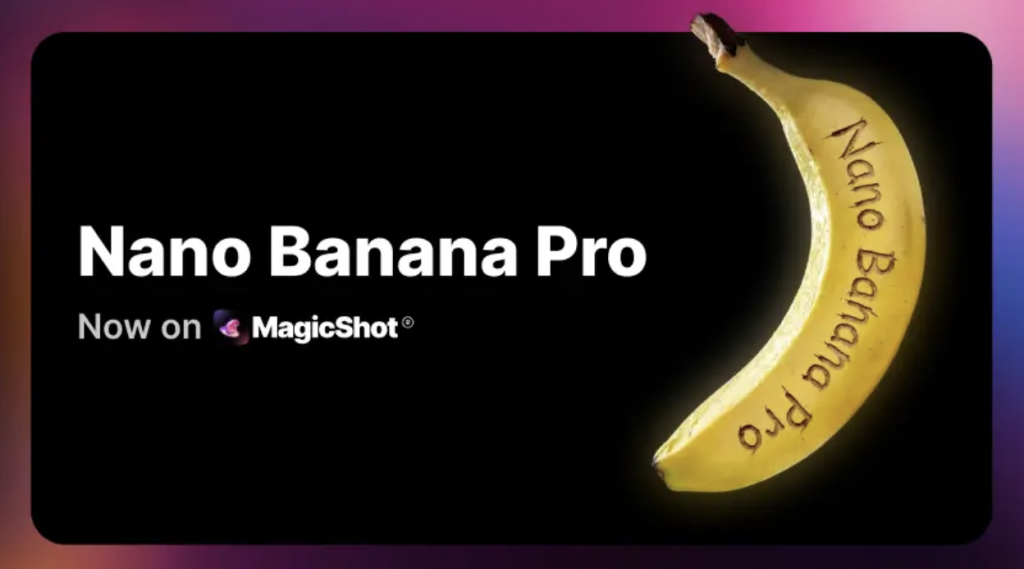
I used to rely on Midjourney, but eventually switched to Nano Banana Pro.
Even if the paid plan feels a bit expensive, it turned out to be totally worth it.
Compared to other image tools, Nano Banana Pro performs much better with text inside images, making it ideal for:
- Posters
- Covers
- Marketing visuals
3. AI Design — Lovart
Lovart is more than just an image generator.
It also has strong image editing and design features, and works like a real design assistant.
Most of my:
- Blog covers
- Illustrations
- Visual edits
are created or refined using Lovart.
4. Translation — Immersive Translate
This is a must-have browser plugin.
Once installed, you barely need to do anything — it just works.
Perfect for:
- Reading foreign articles
- Translating web content instantly
5. Knowledge Base — NotebookLM
When I collect a lot of materials for one topic, I drop them all into NotebookLM.
It can quickly:
- Organize your sources
- Generate articles
- Create audio, PPT, and summaries
You can even upload PDFs and chat directly with your documents.
6. PPT Creation — NotebookLM
Based on a batch of materials, NotebookLM can generate a complete PPT with one click.
Some people use Gamma for this, but it requires extra payments and has limited layout control.
NotebookLM feels more flexible and easier to adjust.
7. Video Generation — Veo
Honestly, I rarely use AI video tools.
They’re fun to test, but they’re not ready for serious production workflows yet.
Right now, most AI videos still feel more like demos than real work tools.
8. Coding Assistant — Claude Code / Cursor
I don’t code every day, but when I do, these two are my go-to.
They’re stable, practical, and save a lot of time.
9. Music Generation — Suno 5
Purely for fun.
Whenever I want to generate music or try songwriting ideas, I use Suno.
My Final Setup
This is my current personal AI toolkit:
- Gemini 3 Pro
- Nano Banana Pro
- Lovart
- Immersive Translate
- NotebookLM
- Veo
- Claude Code / Cursor
- Suno
You don’t need to use everything.
Just pick the tools that match your workflow, and your productivity will improve naturally.