


Gemini’s web version just rolled out a major update — and this one actually feels useful, not just “nice to have”.
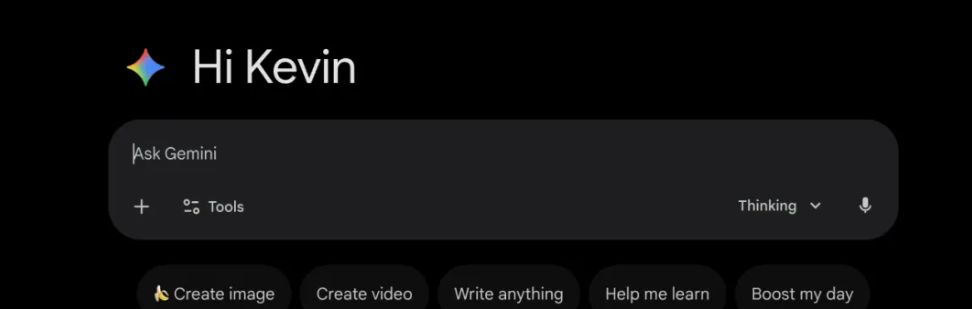
Instead of flashy changes, this update focuses on real daily features that make Gemini easier and faster to use.
If you use Gemini for writing, research, or everyday tasks, these updates will save you a surprising amount of time.
What This Update Is Really About
This update is mainly about three things:
- A brand-new dark mode experience
- A new content hub called My Stuff
- Direct integration with Google Photos
These aren’t just visual tweaks — they change how you manage your chats, files, and saved content.
Why This Matters
Before this update, Gemini felt a bit scattered.
You had to jump between different places to find:
- Old chats
- Uploaded files
- Saved answers
- Images
Now, everything is being pulled into one organized system.
Which means Gemini is slowly becoming a true personal AI workspace, not just a chat box.
Dark Mode Gets a Real Upgrade
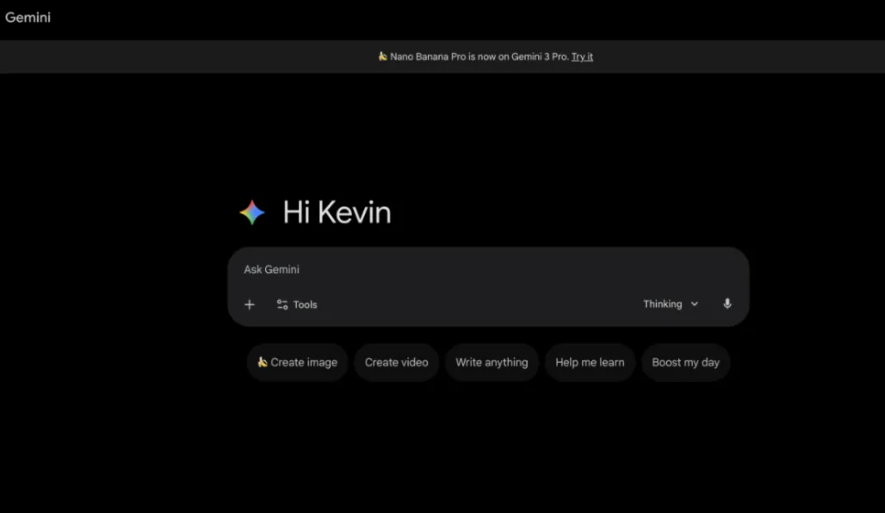
Gemini’s new dark mode is no longer just a color switch.
The interface now uses a true deep-black background, which feels much easier on the eyes — especially if you work at night or stare at the screen for long hours.
You’ll notice:
- Higher text contrast
- Cleaner spacing
- More comfortable reading in low-light environments
This makes long chats, research sessions, and writing work feel less tiring.
How to Turn It On
The new dark mode can be enabled directly from the settings menu.
Just open Gemini Web, go to Settings → Appearance, and select Dark Mode.
Once it’s on, the whole interface switches instantly — no refresh needed.
This update alone already makes Gemini feel more polished and more “work-friendly”.
My Stuff: Your New Content Hub
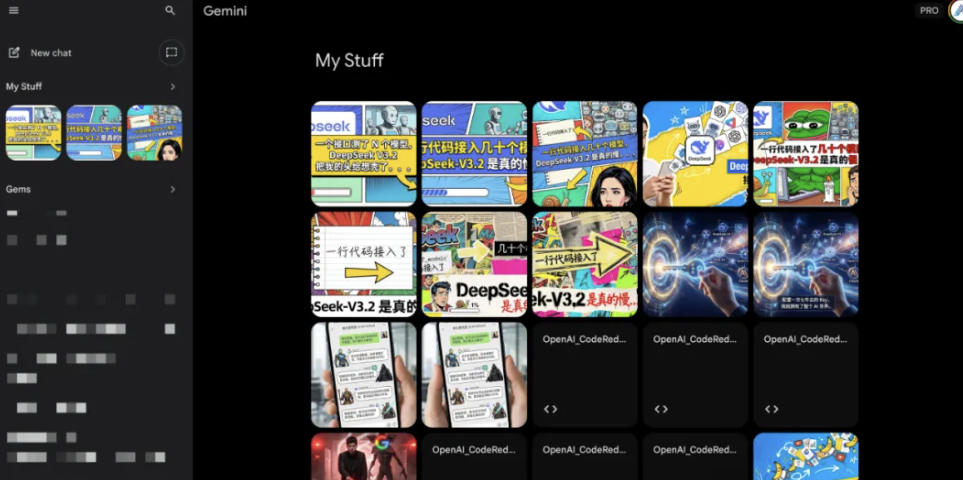
My Stuff is one of the most useful additions in this update.
It’s basically a central place that automatically collects everything you’ve ever created, uploaded, or saved inside Gemini.
Instead of digging through old chats, you can now quickly find:
- Saved answers
- Uploaded files
- Images
- Generated content
All in one clean panel.
Why This Changes Everything
Before, Gemini worked like a normal chat app — once a conversation was buried, it was basically gone.
Now, My Stuff turns Gemini into something closer to a personal knowledge base.
Which means your past work finally becomes reusable.
You can:
- Reopen old materials
- Re-edit past outputs
- Build on previous ideas
- Keep long-term projects organized
This is especially useful if you use Gemini for:
- Writing
- Research
- Content planning
- Knowledge management
Built-In Google Photos Integration
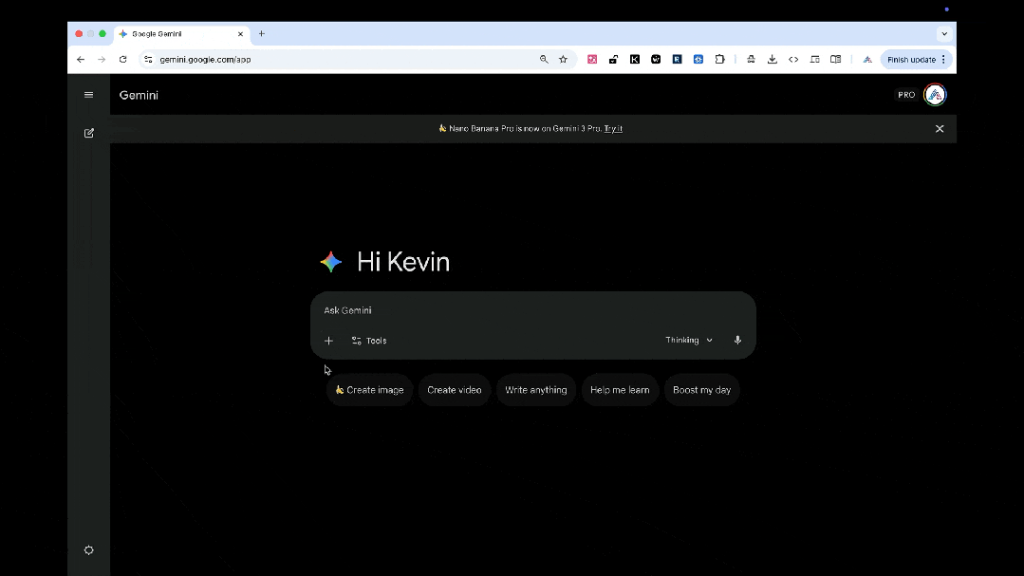
You can now connect Google Photos directly inside Gemini Web.
That means you no longer need to manually download images and re-upload them into chats.
Instead, Gemini can directly access your photo library and use your own pictures in conversations.
This makes it much easier to:
- Analyze photos
- Create content based on your images
- Ask questions about screenshots
- Organize visual materials
Everything stays inside one workflow.
Why This Is a Big Deal
For people who use Gemini for:
- Social media content
- Blog visuals
- Design references
- Screenshot notes
this removes a lot of friction.
You can move faster and keep all your visual materials connected to your chat history and projects.
Better Chat Management
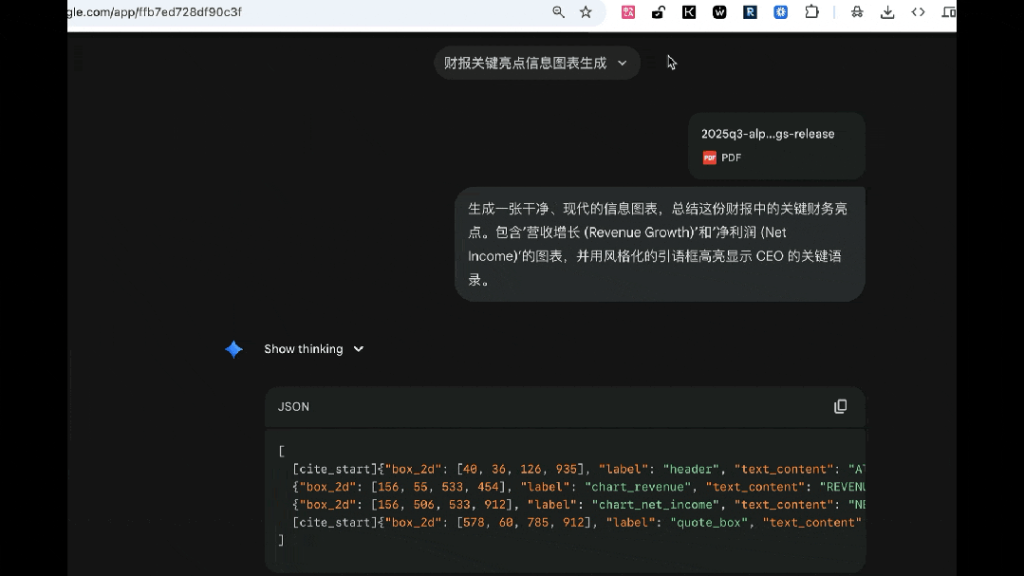
The chat system has also been quietly improved.
Now you can:
- Find past chats faster
- Keep important conversations easier
- Revisit older work without scrolling forever
This makes Gemini feel less like a “temporary chat tool” and more like a long-term personal workspace.
If you use Gemini for projects, planning, or research, this change alone saves a lot of time.
Small Changes That Add Up
Individually, these features might look small.
But together, they completely change how Gemini fits into daily work:
- Less searching
- Less repeating
- More reusing
- More organizing
Which means less friction and higher productivity.
Final Thoughts
With this update, Gemini Web is no longer just a chat tool.
It’s slowly turning into a personal AI workspace — something you can actually build long-term projects around.
The new dark mode makes daily use easier on the eyes.
My Stuff finally gives you real content organization.
And Google Photos integration brings your visual work into the same flow.
Together, these updates make Gemini more practical, more usable, and more “work-ready”.